Multi-Step Forms
Break a long form into a guided flow with a progress bar and per-step validation — included on the free plan.
Adding a step
Drag a Page Break field anywhere into your form's field list. Every Page Break splits the form into a new step — a form with two Page Breaks becomes three steps.
What visitors see
- A progress bar showing how far along they are.
- Next and Previous buttons instead of a single Submit button on every step but the last.
- Per-step validation — the Next button won't advance past a step
with an invalid or missing required answer, using the browser's own
constraint validation (
form.reportValidity()) scoped to the fields currently visible.
Visitors can freely move back to an earlier step without losing answers already entered on later ones.
Combining with conditional logic
Conditional logic fully supports multi-step forms — a rule on a step-3 field can reference an answer given on step 1. Visibility is recalculated as visitors move between steps, and (as with single-step forms) is re-verified server-side at submission regardless of which steps a visitor's browser actually rendered.
Example: a client enquiry in three steps
Keep related questions together:
| Step | Ask for | Purpose |
|---|---|---|
| 1. Project | Service and a short project description | Understand the request |
| 2. Details | Budget range and preferred timeline | Prepare a relevant response |
| 3. Contact | Name and email address | Know where to reply |
Place a Page Break after the project fields and another after the detail fields. These are suggested questions; adjust them to your business.
Check the form on a smaller screen
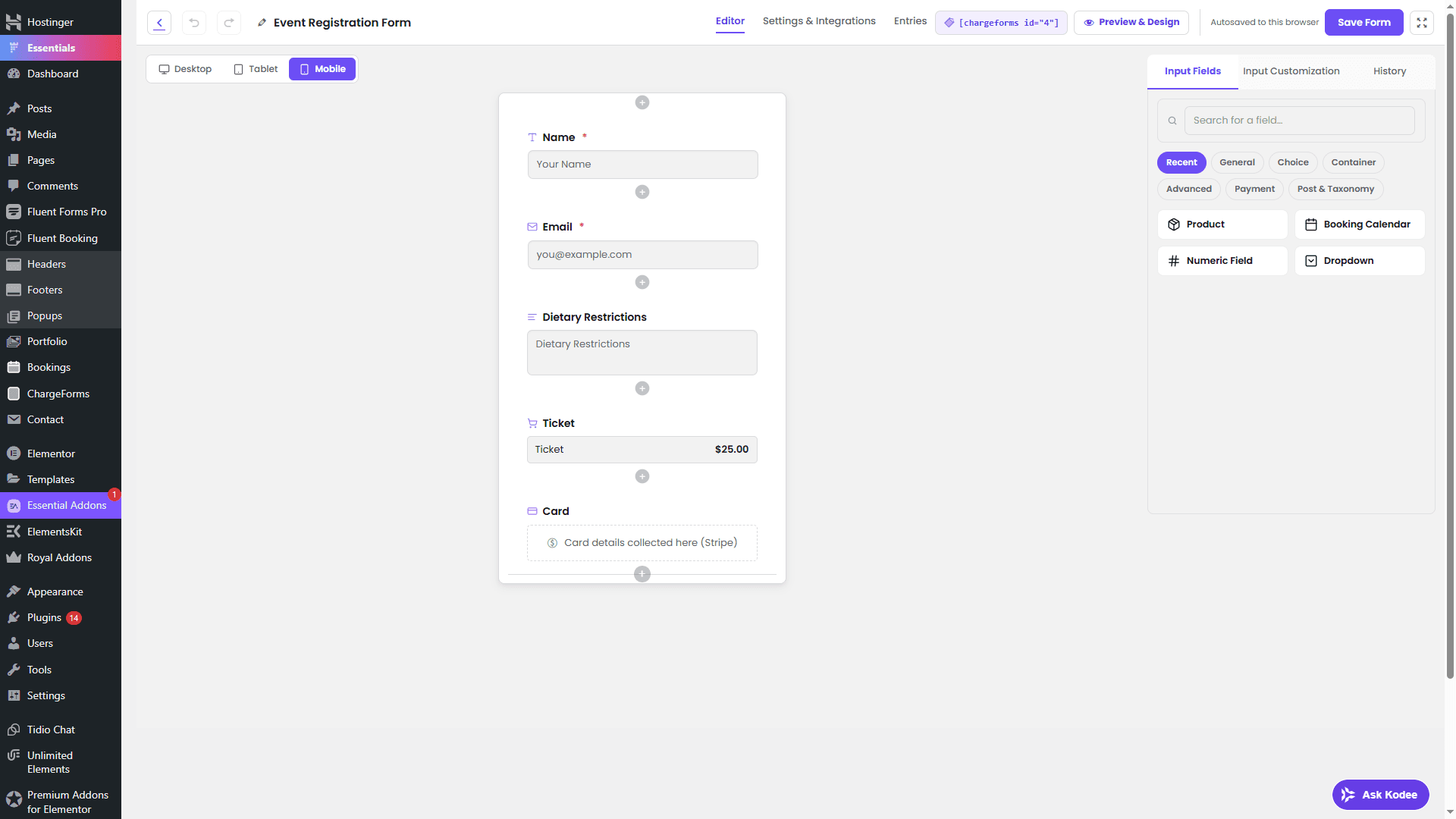
Before publishing, test that:
- Next stops when a visible required answer is missing.
- Previous returns to the earlier step without clearing answers.
- Conditional fields appear for the answers you expect.
- The final submission appears in Entries.
See Getting Started for publishing instructions.