Entries
View, edit, filter, export, and manage every submission from wp-admin, with a dedicated Trash tab and an Advanced Filter builder.
Overview and per-form views
ChargeForms → Entries with no form selected is a global overview — every form's entry count plus the most recent submissions across all of them. Selecting a form drills into that form's own entries table.
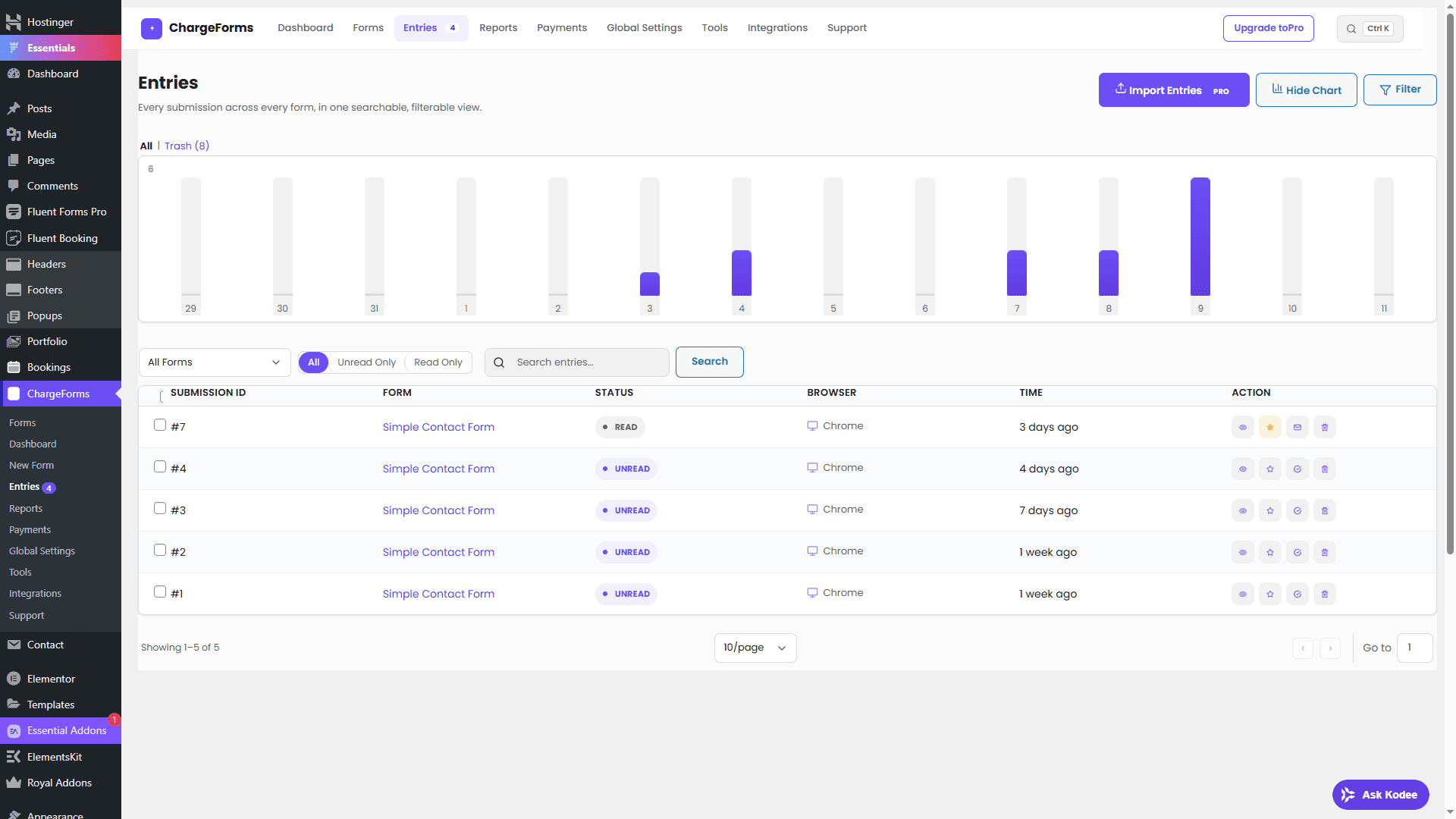
What you can do with an entry
- Edit an entry's submitted values after the fact.
- Favorite an entry for quick follow-up.
- Add internal notes — visible to your team, never to the submitter.
- Resend the notification email for an entry, without asking the visitor to resubmit.
- Toggle status (read/unread, favorite).
- View as JSON — the entry's full raw submitted data.
- Delivery Logs — see the notification/integration history for that entry.
- Print view — a clean, submission-only layout for records or handoff.
- IP-to-geolocation — a clickable link from the entry's recorded IP.
Trash, not permanent delete
Deleting an entry moves it to a dedicated Trash tab, not a permanent delete by default — Restore and Delete Permanently are separate, explicit actions from there. Trashed entries never count toward totals or limits.
Export and import
Export to CSV or JSON — free on every plan, no limit. Import from
CSV (bulk-adding submissions to a form from a file) is a Pro
feature; export and every other action on this page stay free
regardless of license status. Every export/import action, and every
entry edit, goes through the same
current_user_can( 'chargeforms_manage_forms' ) + nonce check as every
other admin action in ChargeForms.
Advanced Filter
The Advanced Filter builder supports AND-within-group / OR-between-group logic across three field categories with 12 operators — built and adversarially tested against SQL injection, since a filter builder that lets users construct arbitrary queries is exactly the kind of surface that needs that scrutiny.
Dynamic per-form columns
The entries table's columns adapt to each form's own fields automatically — you're not stuck with a generic "field 1, field 2" table when a form has a Name, Email, and Payment Summary field that deserve their own columns.