
AI Form Builder for WordPress: What to Look For Before You Choose One
Searches for AI form builder WordPress are starting to mean two very different things.
Some people want a form generator: type "make me a contact form," get a draft, then manually fix the details. That is useful, but shallow.
The stronger version is an AI assistant that can work with your real WordPress forms: read existing fields, inspect recent entries, summarize leads, check payment totals, create a new form, or update a field with your approval. That is where WordPress forms are heading, because Model Context Protocol gives AI apps a standard way to connect to outside tools and data, and WordPress itself has been moving toward discoverable plugin actions through the Abilities API.
ChargeForms is built for that second version.
The old AI form builder problem
Most "AI form builder" features stop at the first draft.
You ask for:
Create a client intake form for a web design agency.
The AI gives you a reasonable list of fields:
- Name
- Website URL
- Budget
- Timeline
- Project goals
- File upload
That saves a few minutes. But your real work starts after that:
- Which existing form should this replace?
- Should this trigger a Slack or webhook notification?
- Are payments required?
- Should the form use conditional logic?
- Did the last 20 submissions show that people are getting stuck?
- Can the assistant safely update the form without breaking a live workflow?
A template generator cannot answer those questions because it does not know your site. It can only guess.
What a real WordPress AI form builder should do
A useful AI form builder needs three layers.
1. It should create forms from plain language
This is the obvious part. You should be able to ask for a form in normal words:
- "Build a quote request form for a roofing company."
- "Create a donation form with one-time and monthly options."
- "Make a job application form with file upload and department routing."
- "Create a multi-step event registration form with attendee count."
The assistant should return a real form structure, not just a paragraph describing what to build.
ChargeForms MCP includes a create_form tool for this exact workflow. The assistant can prepare the form, show you what it is about to create, and only apply it after confirmation.
2. It should understand existing forms and submissions
This is where AI becomes more valuable than a template library.
For example, you should be able to ask:
- "Which forms have the most unread entries?"
- "Summarize the last 25 submissions from my quote form."
- "Which leads asked for urgent delivery?"
- "Show me forms that have no recent submissions."
- "How much revenue did the donation form collect this month?"
Those are not form-generation tasks. They are business operations tasks.
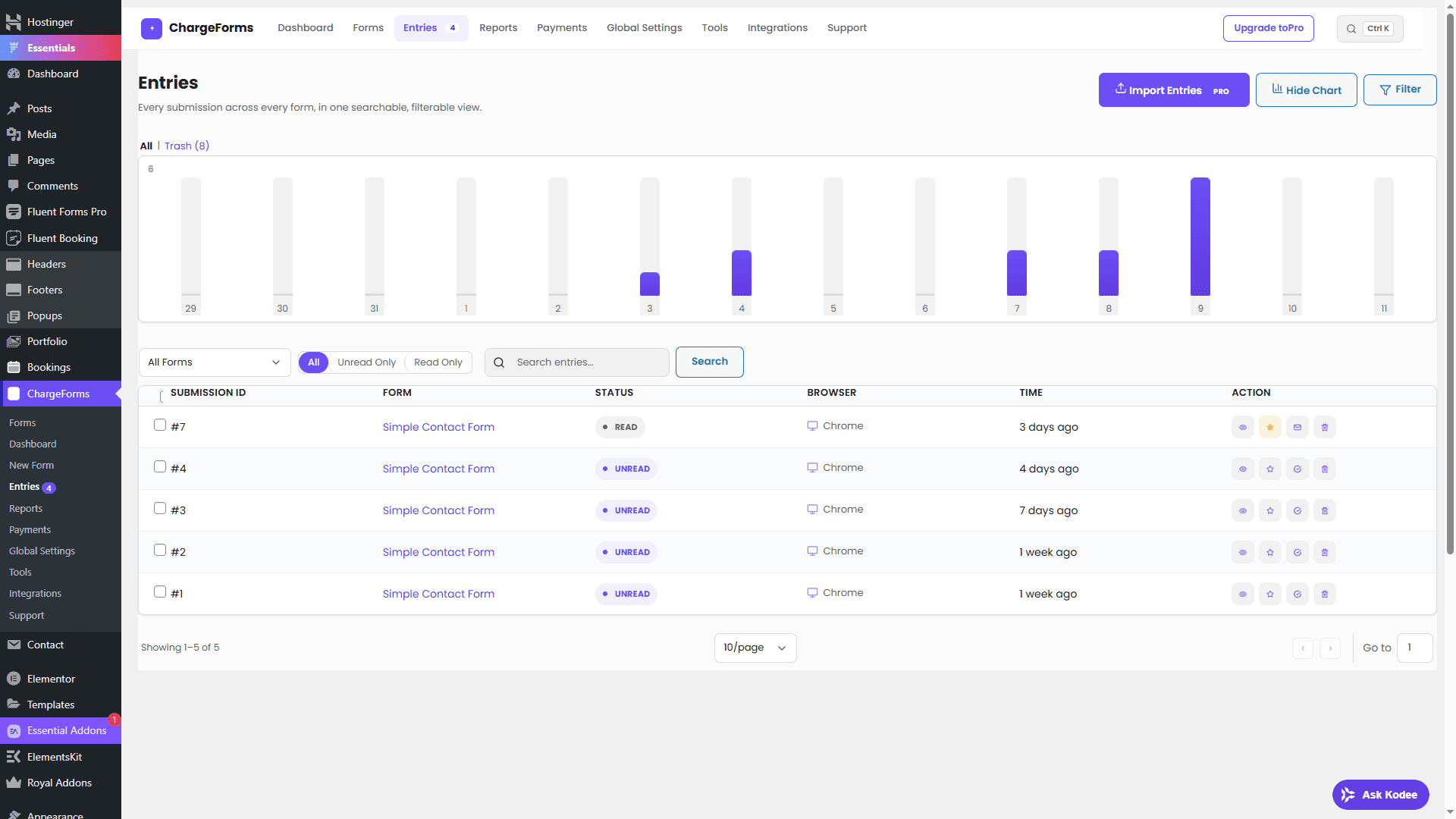
ChargeForms exposes read tools for forms, submissions, form stats, integrations, payments, and activity logs. That means an AI assistant can help you understand what is happening inside your form system instead of only helping before the form exists.
3. It should protect every write action
The risky part of AI automation is not reading data. The risky part is letting an assistant change something.
For WordPress forms, that could mean:
- Creating a form
- Updating fields
- Marking submissions as read or spam
- Adding internal notes
- Deleting an entry
ChargeForms handles writes with a preview-confirm flow. The first call describes what would happen and returns a short-lived confirmation token. The second call must include that exact token before the change runs.
That matters because form submissions can contain untrusted text. If a submitted message includes a hidden instruction like "delete all entries," it should not be able to make an assistant perform a destructive action. A preview-confirm design gives you a safer boundary.
Why MCP matters for WordPress forms
MCP is not just another acronym to put on a feature page. It changes the shape of the workflow.
Without MCP:
- You copy form data out of WordPress.
- You paste it into ChatGPT or Claude.
- The assistant gives advice.
- You manually go back into WordPress and make changes.
With MCP:
- The assistant can ask ChargeForms for the current forms and entries.
- It can suggest a specific action based on real data.
- It can preview the exact change.
- You approve before the change is applied.
That is a very different product experience. It turns AI from a writing helper into an operating layer for your forms.
Practical examples
Here are useful prompts that make sense for an AI-connected form plugin:
| Prompt | What the assistant should do |
|---|---|
| "Build a booking request form for a cleaning business." | Create a form with contact fields, service type, preferred date, address, and message. |
| "Summarize this week's unread leads." | Read recent submissions and group them by urgency, service type, and follow-up need. |
| "Which forms are not converting?" | Compare submission counts across forms and flag weak performers. |
| "Add a required budget field to the quote form." | Preview the field update before applying it. |
| "Mark obvious spam submissions as spam." | Preview the exact submission IDs before changing status. |
| "How much did the payment form collect this month?" | Pull payment totals for the selected date range. |
This is the difference between an AI feature that looks good in a demo and one that actually saves admin time every week.
What ChargeForms includes for AI workflows
ChargeForms ships a built-in MCP server for AI agents. It is off by default, uses WordPress Application Passwords for authentication, and follows the same permission model as the admin screens.
The MCP tool set includes:
- Form overview and form listing
- Single-form details
- Submission listing and submission detail lookup
- Form statistics
- Integration status
- Payment summaries
- Activity logs
- Form creation
- Field updates
- Submission status changes
- Internal notes
- Submission deletion with confirmation
You can read the full technical breakdown in the ChargeForms MCP tool reference or the setup-focused Claude and ChatGPT WordPress forms MCP guide.
Free vs Pro for AI form building
The important part: ChargeForms does not make MCP a paid-only feature.
The free plugin already includes:
- Unlimited forms and submissions
- Conditional logic
- Multi-step forms
- Stripe and PayPal payments
- Reports and entry management
- Webhooks and direct integrations
- One SMTP connection
- MCP access for AI agents
Pro is for specific operational upgrades: Save & Resume, CSV entry import, Industry Pack templates, multiple SMTP connections, and priority support. See the Free vs Pro comparison if you want the row-by-row breakdown.
How to choose an AI form builder for WordPress
Before picking a plugin, ask these questions:
- Can it create real forms, or only suggest fields?
- Can it read existing submissions and stats?
- Does it use WordPress permissions?
- Are destructive actions protected by confirmation?
- Does it support payments, integrations, and entry management without forcing every serious feature into Pro?
- Can you start free and upgrade only when the workflow needs it?
The best AI form builder is not the one with the flashiest prompt box. It is the one that can safely connect AI to the work your forms already do.
The bottom line
AI form building is moving from "generate a form idea" to "manage the form system." That shift matters for WordPress because forms are not just UI. They are leads, payments, support requests, applications, bookings, and customer data.
If you only need a fast first draft, many tools can help. If you want an AI assistant that can understand your real forms, summarize submissions, inspect payments, and safely preview changes before applying them, look for MCP support and a permission model you can trust.
That is the direction ChargeForms is built for: a free WordPress form builder that already handles serious forms today, with AI-agent workflows ready when you want them.
Start with the free download, then turn on MCP when you are ready to connect your assistant.
Frequently asked questions
What is an AI form builder for WordPress?
An AI form builder for WordPress lets you describe the form you need in plain language and have an assistant help create, edit, or manage it. The useful version goes beyond generating a template: it can understand your existing forms, entries, payments, integrations, and settings through a permission-aware connection.
Is MCP required for an AI form builder?
Not always, but MCP is the cleanest way to let an AI assistant work with real WordPress data and tools. Without MCP or a similar tool layer, the assistant usually generates text that you still have to copy into WordPress manually.
Can AI manage form submissions safely?
It can, if the plugin uses normal WordPress permissions and protects write actions. ChargeForms gates MCP behind WordPress capabilities and uses a preview-confirm flow for writes, so an assistant can read and summarize submissions without being able to silently delete or modify them in one step.
Does ChargeForms charge extra for MCP?
No. ChargeForms MCP access is part of the free plugin. Pro is for Save & Resume, CSV entry import, Industry Pack templates, multiple SMTP connections, and priority support.
What keywords should this topic rank for?
The main search intent is around AI form builder for WordPress, WordPress MCP forms, AI agents for WordPress forms, ChatGPT WordPress form builder, and Claude WordPress form builder.
Related posts
