How to Add a Contact Form to WordPress Without Coding
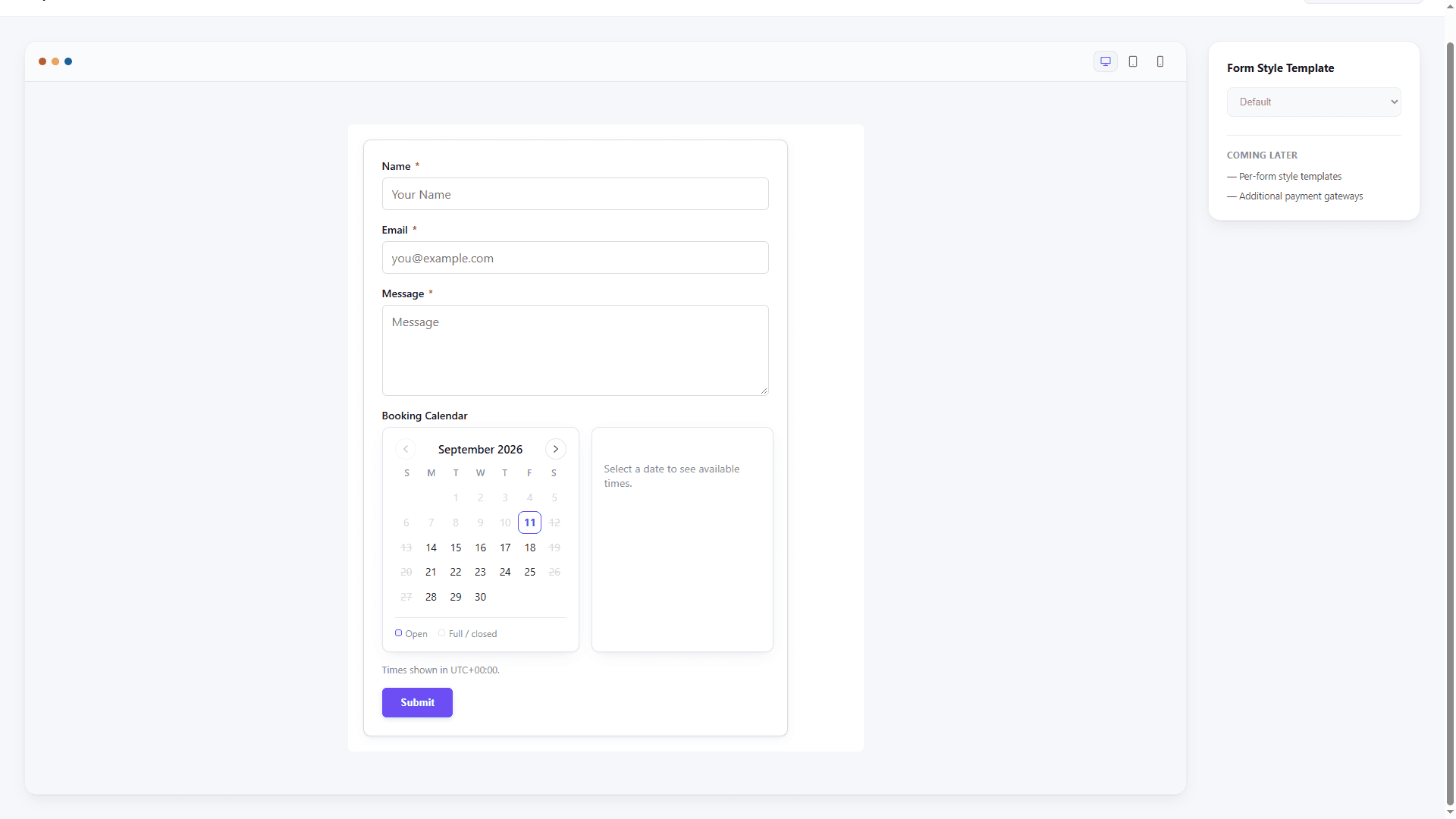
Adding a contact form to WordPress should be a short publishing task, not a coding project. The reliable workflow is: choose the fields, configure delivery, protect the endpoint, test it while logged out, and then embed it where visitors can find it.
Choose the smallest useful form
For most sites, start with:
- Name
- Email address
- Subject or enquiry type
- Message
Add a phone number, company, budget, or file upload only when the answer changes how your team responds. Fewer fields make the first interaction easier to complete and easier to maintain.
Build it in ChargeForms
Open ChargeForms → New Form, choose a contact template, and edit the labels and confirmation message. The builder keeps the form structure, validation, stored entries, and notifications in one WordPress workflow.
If different enquiries go to different people, add a service dropdown and configure conditional routing. Keep the route names clear so an administrator can understand them later.
Configure email delivery
Use a clear subject such as New contact enquiry — and send the notification to the person responsible for replies. Set the visitor's email as Reply-To rather than spoofing the From address.
Send a test message before publishing. If mail does not arrive, check the site mail configuration, the notification recipient, and whether authenticated SMTP is required by the host.
Embed the form on any page
Copy the form shortcode from ChargeForms and paste it into a WordPress Shortcode block, Elementor shortcode widget, or another page builder area that accepts shortcodes. Keep the form near a visible heading and explain what happens after submission.
Test before publishing
Submit the form while logged out, try an invalid email address, check the mobile layout, and confirm that the entry appears in ChargeForms → Entries. Verify both the visitor confirmation and the internal notification.
For a more detailed qualification workflow, read how to create a lead generation form in WordPress and explore the free form idea generator.
The best contact form is the one visitors understand immediately and your team can reliably answer. Start small, test delivery, and improve it from real enquiries.
Frequently asked questions
What is the easiest way to add a contact form to WordPress?
Install a form-builder plugin, start with a contact template, configure the notification, and embed the saved form on a page. A builder is usually easier to maintain than hand-written HTML because entries, validation, and spam controls stay together.
Can I add a WordPress contact form with Elementor?
Yes. Use the plugin's shortcode or supported widget/block inside an Elementor page, then style the form in the builder or with the plugin's layout settings.
Why are WordPress contact form emails not arriving?
The host's mail transport may be unreliable, the From address may not match the site domain, or the message may be filtered. Test delivery and use authenticated SMTP when needed.