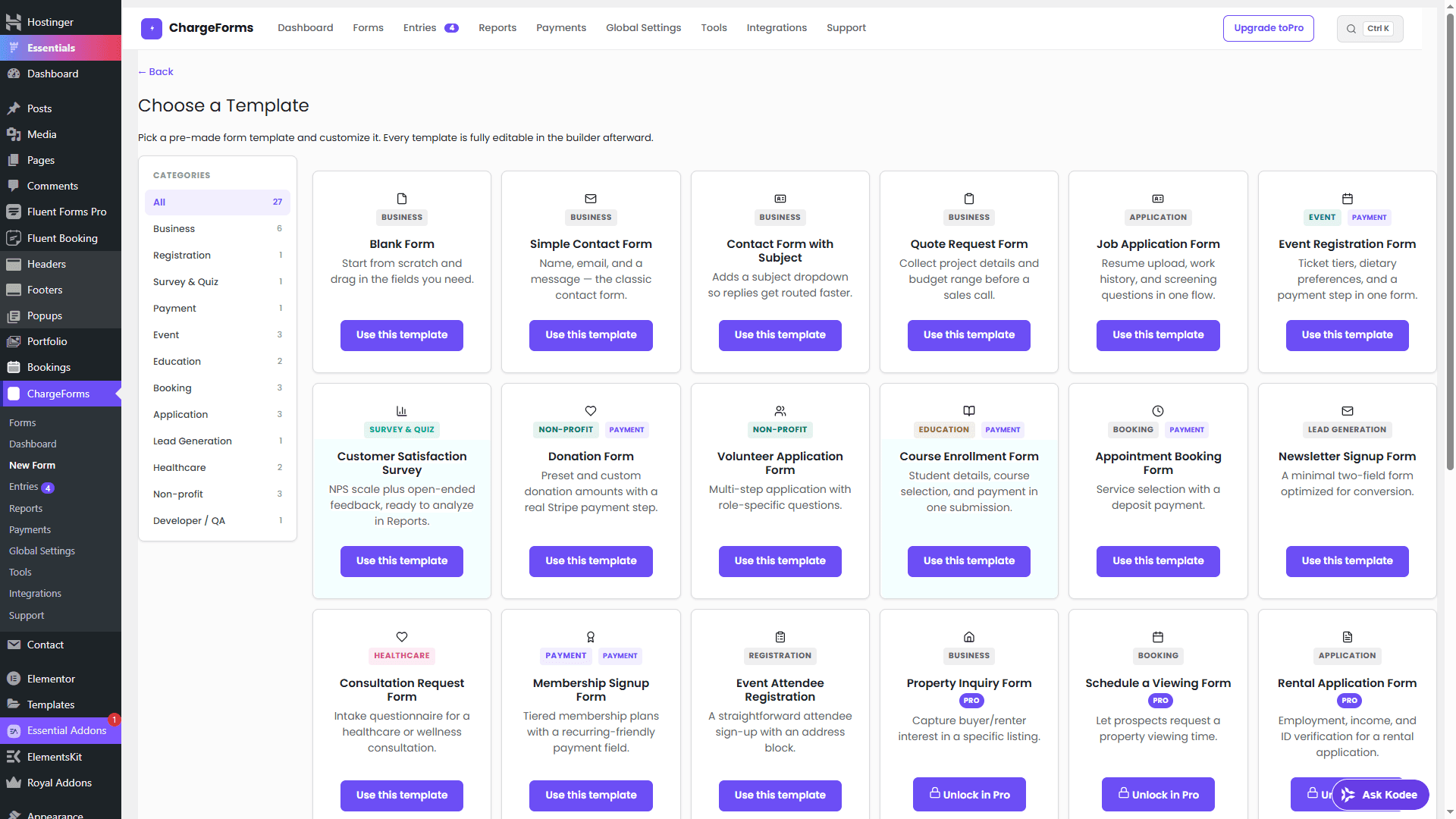
Start from a template, not a blank page
Every template is fully editable after you use it — add fields, change conditional logic, or rebrand it entirely.
Choose the job your form needs to do
Explore a starting point, customize it in WordPress, then test a real submission.
Win the next enquiry
Collect the context you need before replying.
Start with a quote requestOnboard a client
Group a longer questionnaire into manageable steps.
Plan a client-intake formCollect a payment
Connect a payment processor and test the complete flow.
Follow the payment guideLet your AI assistant work with your WordPress forms
Connect a compatible MCP client to read entries, inspect payments and prepare form changes. Your forms and entries stay in WordPress; data returned to an assistant is shared with that client.
Example assistant workflows · illustrative, not a live connection
list_submissionsReadFetch submitted entries with an unread status. Your assistant can use the returned data to summarize the enquiries.
Write tools require a preview and a confirmation token. Review the change before allowing your client to confirm it.