How to Create a Lead Generation Quiz in WordPress (Using Conditional Logic, No Quiz Plugin Needed)
A static lead form asks for information. A quiz asks a question, and that difference is bigger than it sounds — a visitor who's three questions into "which plan fits your team" is invested in seeing their answer, in a way nobody is invested in filling out a "Name / Email / Message" box. You don't need a separate quiz plugin to build this. If your form already has real conditional logic and multi-step support, you can build a genuinely branching quiz with what you have.
What kind of "quiz" this is (and isn't)
Worth being precise here, since "quiz" covers two genuinely different things:
- A graded assessment — right/wrong answers, a numeric score, maybe a pass/fail threshold or a leaderboard. This needs a real scoring engine, which most general-purpose form plugins don't build in natively — a dedicated quiz plugin is the right tool if this is what you need.
- A branching recommendation quiz — "which plan is right for you," "what's your marketing maturity level," "which service do you need" — where each answer narrows down to one of several personalized outcomes. This is structurally just conditional logic across a multi-step form: no scoring, no right answers, just branching.
This guide covers the second kind, because it's the one that's genuinely buildable today with tools you likely already have, and it's also the kind that actually drives lead generation — nobody shares "I got 6/10 on a quiz," but plenty of people share "apparently I'm a [personality type]."
How the branching actually works
The mechanic is the same nested conditional logic used for showing or hiding fields based on an earlier answer, applied to a whole quiz flow instead of a single field:
- Question 1 narrows the visitor into a broad path (e.g., "What's your biggest challenge?" → Growth / Retention / Cost).
- Question 2's content changes based on that answer — a rule group referencing Question 1's value shows a different follow-up question (or a different set of answer options) for each path.
- This repeats for as many questions as the quiz needs — each step's visibility conditioned on answers from any earlier step, not just the immediately preceding one.
- The final step reveals a result, not a new question — a block of content (the recommendation, the personalized outcome) that's conditionally shown based on the combination of answers collected across the whole quiz, using nested AND logic across multiple earlier fields at once ("Challenge = Growth" AND "Team size = 10+" → show the "Scale-Up Plan" result block; a different combination shows a different one).
That last step is the part that makes it feel like a real quiz result instead of just a form with hidden fields — several different result blocks exist in the same form, each with its own multi-condition rule, and only one becomes visible depending on the exact path a visitor took.
Step-by-step: building it
- Plan the branches on paper first. Sketch every path from first question to final result before touching the builder — a branching quiz with even 3 questions and 3 options each can produce dozens of paths, and it's much easier to catch a missing combination on paper than after you've built half the rule groups.
- Build it as a multi-step form, one question per step, so each question reads as a deliberate moment rather than one long scrolling page — this also makes the "how far did people get before dropping off" data meaningful later (see the multi-step forms guide for why step-by-step consistently outperforms one long form for exactly this kind of flow).
- Add the branching rules on each question/step, referencing prior answers — start simple (one condition per rule) and only add nested AND/OR complexity where the quiz logic genuinely requires it.
- Build the result blocks. Add one content block per possible outcome, each with its own conditional rule matching the specific combination of answers that should trigger it. Double check every real path from your planning step actually resolves to exactly one visible result — a gap here means some visitors see nothing at the end, which is worse than a generic form ever would have been.
- Place the lead-capture field after the investment, not before. Ask for the email either right before revealing the result ("Enter your email to see your personalized plan") or, if you want zero friction before the result, right after — both outperform asking upfront, before anyone's answered a single question.
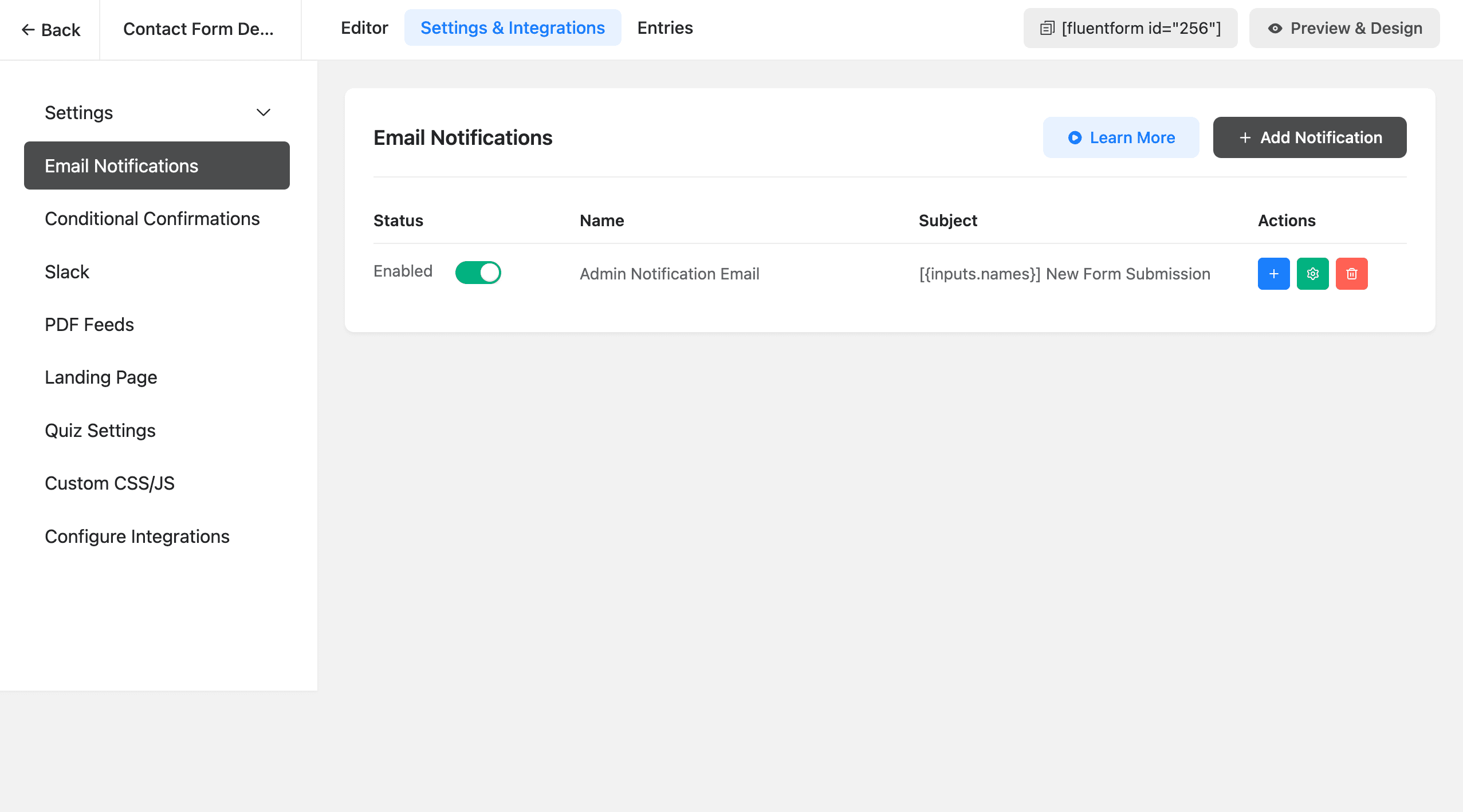
- Route the follow-up. If your plugin's conditional logic can target which notification fires (not just field visibility — confirm this specifically), send a different internal notification or a different auto-responder based on which result the visitor landed on, so a "Growth" lead and a "Cost" lead don't get the same generic follow-up email.
- Test every path, not just the one you had in mind while building — click through every realistic combination of answers and confirm each one lands on the correct, intended result block. This is the step most likely to get skipped, and it's the one that actually catches broken branches.
Why the "no scoring needed" version still works for lead gen
The entire value of a lead-gen quiz is the personalization at the end, not a score. "You're a Growth-stage team — here's the plan built for you" does the actual persuasion work; a number out of 10 doesn't. That's exactly why the branching-conditional-logic approach isn't a lesser version of a "real" quiz plugin for this specific use case — it's the right-sized tool for it, since you're not giving anything up by skipping a scoring engine you didn't need.
When you do need a dedicated quiz plugin instead
Reach for a dedicated tool if you need:
- An actual numeric score shown to the visitor ("You scored 8/10")
- Right/wrong grading against a defined answer key
- Timed questions or a countdown
- A leaderboard or comparison against other respondents' scores
None of that is what a lead-generation "which option is right for you" quiz needs, which is why it's worth checking your actual goal before assuming you need a separate plugin at all.
The bottom line
A branching lead-gen quiz is conditional logic and multi-step forms, applied to a sequence of questions instead of a single field, ending in one of several personalized result blocks instead of a generic thank-you message. If your form plugin already does real server-side conditional logic across multiple steps, you likely already have everything this needs. See the conditional logic guide for the underlying rule mechanics, or the multi-step forms guide for the step-by-step structure this builds on top of.
Frequently asked questions
Do I need a dedicated quiz plugin to build a lead generation quiz?
Not if what you need is a branching 'which option fits you' style quiz that ends in a personalized recommendation — that's achievable with conditional logic and a multi-step form, which most general-purpose WordPress form plugins already support. A dedicated quiz plugin earns its keep when you need things a form plugin doesn't do natively, like a numeric pass/fail score, a leaderboard, or timed questions — a graded assessment is a genuinely different feature than a branching recommendation quiz, even though both get called 'quizzes.'
Do lead-gen quizzes actually convert better than a normal contact form?
This is a widely repeated claim in marketing content, and the underlying mechanism is real and worth building around — a multi-step, personalized flow keeps someone invested (each answered question feels like a small commitment, and people are reluctant to abandon partway through something that feels close to a personal answer) in a way a blank contact form doesn't. Treat specific 'quizzes convert 3x better' style stats you see cited elsewhere with skepticism though, since they're rarely sourced to a real study and vary enormously by execution and audience.
Should I ask for an email before or after showing the quiz result?
Asking after the visitor sees their result (or at minimum, after they're deep into the quiz) is generally the stronger pattern — someone who's already invested several answers and is curious about their personalized outcome is far more willing to trade an email for it than someone asked upfront before they've gotten any value. Asking too early recreates the exact friction a quiz format is meant to avoid.
Can I show a different email follow-up based on which quiz result someone got?
Yes, if your form plugin's conditional logic can target which notification fires, not just which fields are visible — check this specifically, since 'conditional logic' support varies in scope between plugins, and some only apply it to field visibility, not to routing which email notification a submission triggers.
Related posts



Contact Form 7 Is in Maintenance Mode: What That Actually Means
Contact Form 7's creator confirmed at WordCamp Asia 2026 that version 6.2 is the last feature release — the plugin now gets security patches only. Here's what changes, what doesn't, and what to actually do about it.