How to Build a WordPress Form That Converts AI Search Traffic (ChatGPT, Perplexity, AI Overviews)
Search traffic used to mean one thing: someone typed a question, saw ten blue links, and picked one — arriving at your site with a question, not an answer. AI Overviews, ChatGPT, and Perplexity have changed what a "click" means. A meaningful share of visitors now arrive having already read a synthesized answer to their question, and clicked through anyway — which means they're not browsing for more information, they're already past that stage. A form built for the old kind of visitor is mismatched for this one. Here's how to actually adjust for it.
Why this matters for the form, specifically
The SEO conversation about AI search has mostly been about traffic volume — fewer clicks overall as AI answers questions directly, "zero-click search" eating into organic numbers. That's real, but it's not the part that changes what you should build. The part that changes your form is who's left in the traffic that does click through.
A visitor who read a full AI-generated answer explaining, say, "how WordPress form plugins handle payment fees," and then specifically clicked through to your comparison post anyway, has already filtered themselves further than someone who clicked the first blue link out of ten. They're not asking "what is this." They're asking "is this the one." That's a different visitor than the one most lead-capture forms are actually designed for — forms that often assume you need to educate first, qualify second, and only then let someone act.
Step 1: capture where the visitor actually came from
Before you can adjust anything, you need the signal. A hidden field on the form — not shown to the visitor, populated automatically by a small script when the page loads — is the standard mechanism most WordPress form plugins support for this, capturing:
- The raw referrer (
document.referrer) — a click from ChatGPT typically arrives with a referrer likechatgpt.com, Perplexity sendsperplexity.ai. Google's AI Overview links currently behave like ordinarygoogle.comreferrers, so this signal alone won't cleanly separate "AI Overview click" from "ordinary organic click" yet — it's an evolving area, not a solved one. - UTM parameters, if you're linking to your own content from anywhere you control (a newsletter mentioning "as covered in our AI search guide," a social post) — this is the more reliable signal since you control it directly, rather than reading data another tool exposes or doesn't.
Store both into hidden fields so they land on the entry alongside the rest of the submission — this gives you a real, growing dataset of "who converts and where they actually came from," instead of guessing.
Step 2: shorten the path for visitors who are already informed
This is where conditional logic earns its keep. Once you're capturing referral source into a hidden field, you can condition the rest of the form on it:
- Skip an educational intro step. If your form currently opens with "here's why this matters" copy aimed at someone starting cold, a visitor arriving from an AI answer that already explained the category doesn't need it — conditionally collapse or skip that step for the segment you're tracking.
- Reduce the qualifying question count. A long form (budget range, timeline, company size, current tool) makes sense for cold traffic you're trying to filter. A visitor who read a detailed comparison before clicking through has effectively pre-qualified themselves already — asking fewer questions before letting them act reduces friction exactly where it matters most for an already-warm visitor.
- Surface the direct action sooner. If the form's natural end state is "book a call" or "start free," consider conditionally moving that option earlier in a multi-step flow for this segment, rather than making everyone walk the same five steps regardless of how informed they already are.
None of this requires a separate form — it's the same form, with a handful of steps or fields conditioned on the hidden referrer/UTM field you captured in step one. That keeps your entries and reporting in one place instead of split across a "regular" form and an "AI traffic" form that inevitably drift out of sync with each other.
Step 3: let high-intent visitors actually convert, not just inquire
If a visitor arrived already convinced, the worst thing you can do is route them into a generic "someone will contact you" holding pattern when they were ready to act immediately. Where it applies:
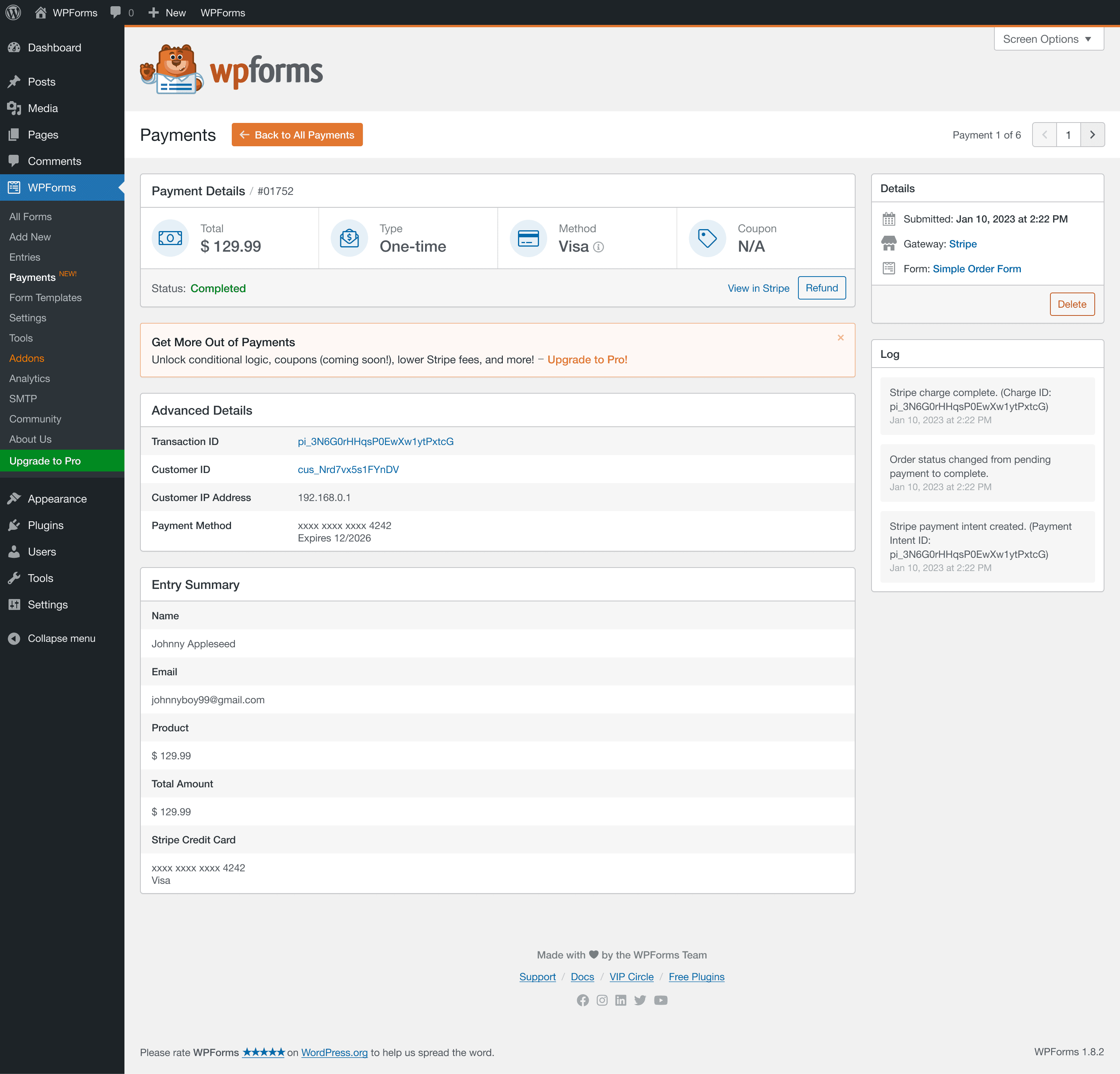
- Offer real payment/checkout inline, not just a lead-capture step, if what you're selling supports it — a visitor this far along shouldn't have to wait for a follow-up email to hand you money they were ready to hand you now. This matters more than it sounds: every step between "ready to buy" and "actually paid" is a chance for that intent to cool off.
- Verify the payment server-side, the same way any payment field should be — a fixed price recalculated from the form's own configuration at submission, not trusted from the request, so a high-intent conversion is also a real, correctly charged one.
Step 4: tailor the confirmation, not just the form
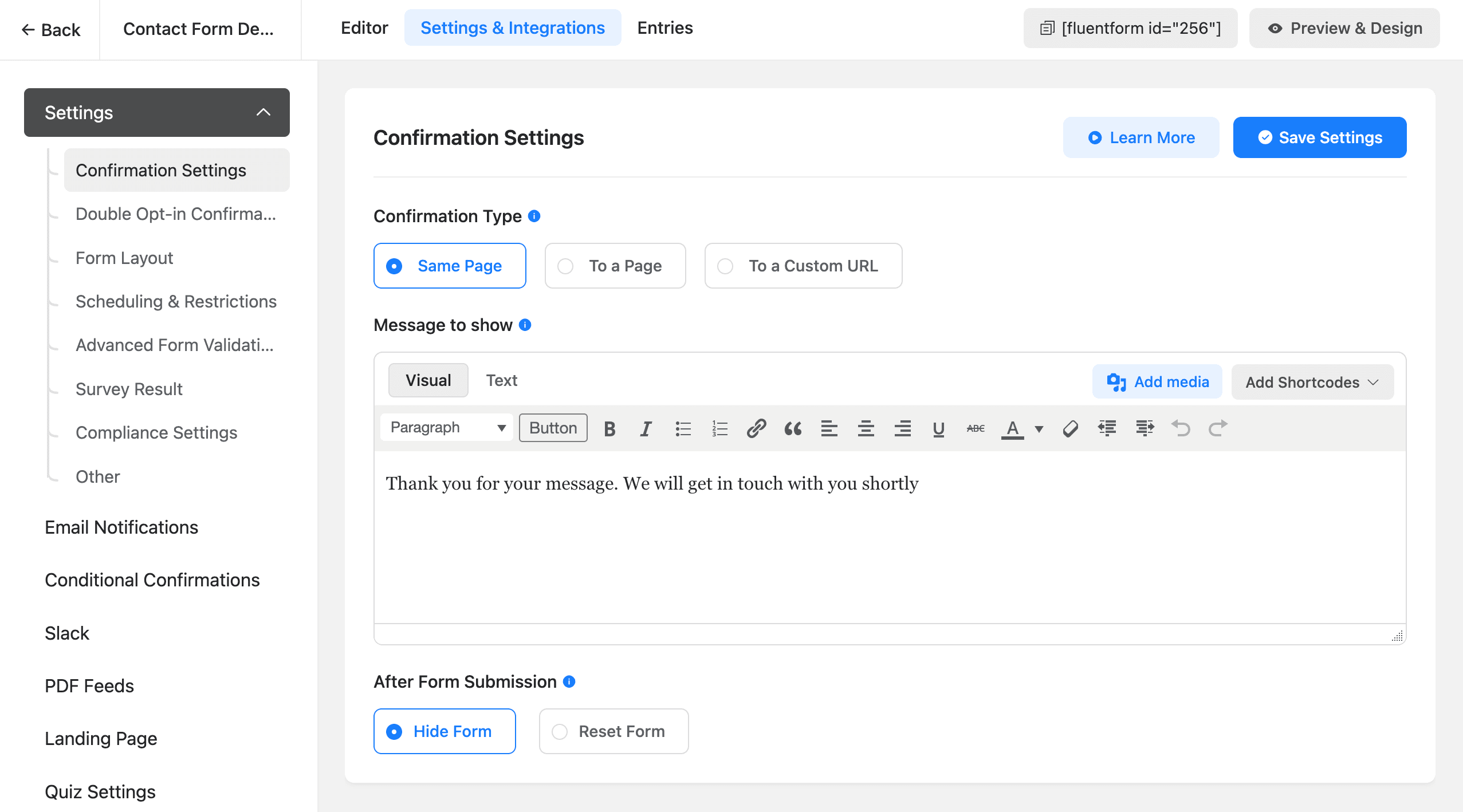
Once someone submits, a conditional confirmation message — different thank-you copy based on the same captured referrer/UTM field — is a small, easy addition that closes the loop: acknowledging specifically what brought them in ("since you're coming from our guide on X...") reads as more relevant than a generic "thanks, we'll be in touch," and costs nothing beyond a conditional rule on a field you're already capturing.
Step 5: actually look at the data before assuming it's working
This whole approach is only as good as whether you check it. Filter your entries by the captured referrer/UTM value periodically and look at real outcomes, not just volume:
- Which AI platforms (or AI-adjacent sources) are actually sending visitors who convert, versus visitors who bounce immediately?
- Does the shortened path perform better than the standard one for that segment, or did shortening it lose information you actually needed?
- Is the referrer data even reliable, or are you seeing a lot of blank/generic values that suggest the capture script isn't firing consistently (a common, boring bug — worth checking directly rather than assuming it's working because it compiled)?
Treat this as a hypothesis you're testing with real entries, not a one-time setup you configure and forget.
The bottom line
AI-referred visitors aren't a completely different species of visitor requiring a parallel form — they're a segment of your existing traffic that arrives further along than your form currently assumes. Capture where someone actually came from, use conditional logic you likely already have to shorten the path for visitors who've pre-qualified themselves, and make sure the fast path actually ends in a verified conversion rather than just a shorter inquiry. See the conditional logic guide for the underlying mechanism this all runs on, or the payments documentation for how a fast-path checkout still gets verified server-side.
Frequently asked questions
How is AI-referred traffic different from normal Google search traffic?
The volume is smaller — AI Overviews and chat tools answer most simple questions on the spot, so fewer people click through at all (this is the 'zero-click search' trend). But the people who do click through are structurally different: they already read a synthesized answer to their question before arriving, so they're not visiting to keep researching, they're visiting to act — sign up, buy, contact someone. A form built for someone at the start of their research (lots of educational copy, a long qualifying sequence) is mismatched for a visitor who's already past that stage.
How do I know if a visitor came from ChatGPT or an AI Overview instead of a normal search click?
The referrer header is the main signal — a click from ChatGPT typically arrives with a referrer like chat.openai.com or chatgpt.com, Perplexity sends perplexity.ai, and Google's AI Overview links usually behave like a normal google.com referrer today (Google hasn't broken this out separately), so it's not perfectly distinguishable from regular organic search yet. Capturing the raw referrer value into a hidden field on your form, alongside UTM parameters where available, is the practical way to build a real picture over time rather than guessing.
Should I build a completely separate form for AI-referred visitors?
Usually not a separate form — a conditionally adjusted version of your existing form is less to maintain and avoids duplicating your entry data and reporting across two forms. Using conditional logic keyed off a captured referrer/UTM value to skip steps or change copy for that specific segment gets most of the benefit without the overhead of parallel forms to keep in sync.
Do AI-referred visitors actually convert better, or is this just a theory?
This is genuinely still an emerging area rather than settled with years of data, since AI-answer-driven referral traffic itself is a recent trend — be skeptical of anyone citing a precise universal conversion-rate multiplier. The directionally reasonable claim, and the one worth actually building around, is intent-based: a visitor who already read a synthesized answer and chose to click through anyway has filtered themselves further than someone clicking a plain blue link, which is a real (if not yet precisely quantified) signal worth designing your form around.
Related posts



Contact Form 7 Is in Maintenance Mode: What That Actually Means
Contact Form 7's creator confirmed at WordCamp Asia 2026 that version 6.2 is the last feature release — the plugin now gets security patches only. Here's what changes, what doesn't, and what to actually do about it.