WordPress Webhooks: How to Send Form Submissions Securely
A webhook is useful when a form needs to notify a CRM, automation tool, or internal service. It is also an outbound security boundary: the request contains data, crosses the site boundary, and may be retried.
Send the smallest useful payload
Only send the fields the receiving workflow needs. A lead-routing webhook may need name, email, service, and message; it does not need every hidden field or an internal WordPress token.
Use an authenticated HTTPS endpoint
Never send form data to an HTTP endpoint. Use the authentication scheme documented by the receiving service, store secrets in protected settings, and rotate credentials when a team member or vendor changes.
Do not put secrets in the webhook URL if the receiver supports headers. URLs are more likely to appear in logs and screenshots.
Plan for failures
The receiving service may be temporarily unavailable. A good integration should record the status, response code, and timestamp without logging the entire submission body. If retries are supported, use bounded retries with backoff and an administrator-visible failure state.
Avoid sending duplicate business actions when a retry succeeds after the first request actually arrived. The receiving service should support an idempotency key or event identifier when possible.
Test without exposing real customer data
Use test values, confirm the endpoint response, inspect the ChargeForms API log, and verify that a failed request is visible to an administrator. Test a timeout, a rejected authentication header, and a valid retry.
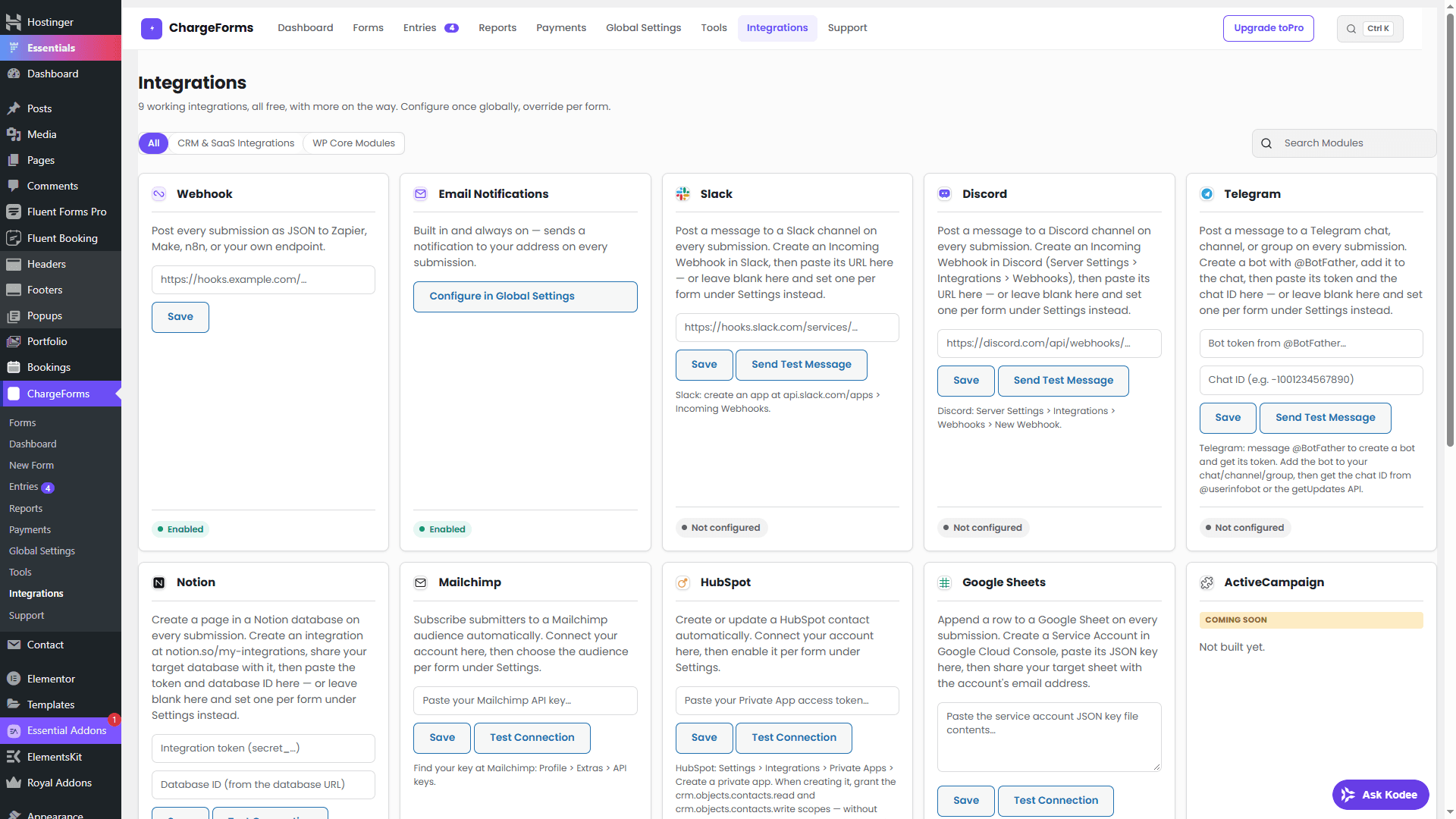
ChargeForms provides webhook integrations and delivery history for diagnosing outbound calls. Read WordPress form notification setup and the MCP tools guide for related automation workflows.
Frequently asked questions
What is a WordPress form webhook?
A webhook sends a server-to-server HTTP request after a form event, allowing another service to receive a submission or start a workflow.
How should a form webhook be secured?
Use HTTPS, an authentication method supported by the receiving service, minimal payloads, secret rotation, and delivery logs that do not expose sensitive values.
What should happen when a webhook fails?
Record the failure, expose enough diagnostic context to an administrator, and use a controlled retry strategy rather than silently discarding the submission.
Related posts