How to Create a WordPress Donation Form (Free, No Platform Fee)
A donation form looks simple — one amount field, one submit button — but it has a specific failure mode most contact-form-shaped plugins don't handle well: the amount isn't fixed, the donor picks it, and if the plugin only validates that amount in the browser, someone can submit a $1 "donation" for a $100 fundraising tier just by editing the page before submitting. Here's how to actually build one correctly, including the recurring-monthly option most donation forms need.
What a donation form needs that a normal payment form doesn't
A standard payment field — an event ticket, a product purchase — has a price the merchant sets. A donation field has a price the visitor sets, within (at most) a minimum floor you define. That single difference changes what the plugin has to get right:
- A variable-amount field, not a fixed-price one — the donor types or picks a number.
- A server-side minimum enforced on submission, not just in the browser — client-side validation alone is trivially bypassed.
- Recalculation from the actual submitted value at charge time — the amount charged has to come from what the server verifies, not from a hidden field the client could tamper with.
- Usually, a recurring option — "make this monthly" is one of the highest-converting patterns in nonprofit fundraising, and it's structurally a subscription, not a repeated one-time charge.
Step-by-step: building the form
- Connect a payment gateway. Stripe, PayPal, or both — most WordPress form plugins support Stripe natively; PayPal support varies. Test mode first, always.
- Add a variable-amount payment field. Look for a "Custom Amount" or equivalent field type distinct from a fixed-price item — this is the field that lets the donor set their own number instead of picking from your fixed catalog.
- Set a minimum. Even $1 is enough to block a $0 or fat-fingered submission; some plugins also support a maximum, useful for fraud-prevention on unusually large amounts you'd rather review manually.
- Add suggested amount buttons (optional but recommended). A row of preset amounts ($25 / $50 / $100 / Other) next to the free-text field consistently increases average donation size over a blank text box alone — this is typically a selection field wired to pre-fill the amount field, or a native quick-select option if your plugin's payment field supports it directly.
- Add a one-time vs. monthly toggle. A simple radio or switch above the amount field. Selecting "Monthly" needs to switch the underlying payment field to recurring billing — see the dedicated section below, since this is the part most likely to require a paid tier or an add-on.
- Add a donor info section — name and email at minimum, since you need somewhere to send a receipt and (for US nonprofits above certain amounts) a tax-deduction acknowledgment.
- Test with Stripe's test-mode card (
4242 4242 4242 4242) at multiple amounts, including right at your configured minimum, to confirm the floor actually holds server-side and isn't just a browser-level warning.
Making the amount tamper-proof
This is the part worth being specific about, because it's the exact spot a poorly built donation form breaks. On ChargeForms, the total charged is always recalculated server-side from the field's own configuration at submission time — a Custom Amount field's minimum is enforced by the server regardless of what the client sends, not just flagged with a JavaScript warning a donor could bypass by disabling JS or editing the request directly.
Before an entry is created, the same verification the platform uses for every payment field applies here too: the PaymentIntent is retrieved directly from Stripe's own API (not trusted from the client), its status is confirmed as succeeded, its metadata is confirmed to reference this specific form, and the PaymentIntent ID is checked against previous entries so the same successful charge can't be replayed into a second free donation record. A donation form that skips any of these checks — trusting a client-submitted amount, or not verifying the charge actually succeeded before recording it — isn't collecting real, verified donations; it's collecting whatever the visitor's browser happened to report.
Adding recurring monthly donations
Nonprofits consistently see recurring monthly donors give more over a year than one-time donors, and offering a "make this monthly" option next to the one-time amount — rather than a separate, harder-to-find recurring-giving page — is the pattern that actually converts one-time donors into recurring ones, since it doesn't force the choice, it offers recurring as an easy default-adjacent upgrade.
Structurally, this is a subscription, not a repeated one-time charge: selecting "Monthly" needs to create a real recurring Stripe subscription at the chosen amount on submission, not just a note that says "please charge this monthly," which nobody's server would actually act on later. That means the same payment field needs to support both a one-time and a recurring mode, switching based on the donor's toggle selection — this is conditional logic applied to the payment field's own configuration, not just field visibility, so it's worth confirming your plugin's conditional logic can actually target that before assuming it works.
Once a recurring donation exists, it needs the same ongoing lifecycle handling any subscription does: Stripe's webhooks report renewals, failed charges, and cancellations after the fact, and the plugin needs to keep its own copy of that donor's status in sync — a donor whose card expired eight months ago shouldn't still show as "active" in your reporting if nothing's actually been billed since.
On ChargeForms, one-time Stripe and PayPal donations (any amount, any minimum you set) and monthly recurring donations via Stripe are both included on the free plan, with the standard $0 platform fee on either — the ongoing subscription-sync work described above is handled the same way regardless of which plan you're on.
Dedicated donation plugins vs. a general form builder
If you're choosing between a nonprofit-specific plugin (GiveWP being the most established) and building the donation form in a general-purpose form plugin, the honest tradeoff:
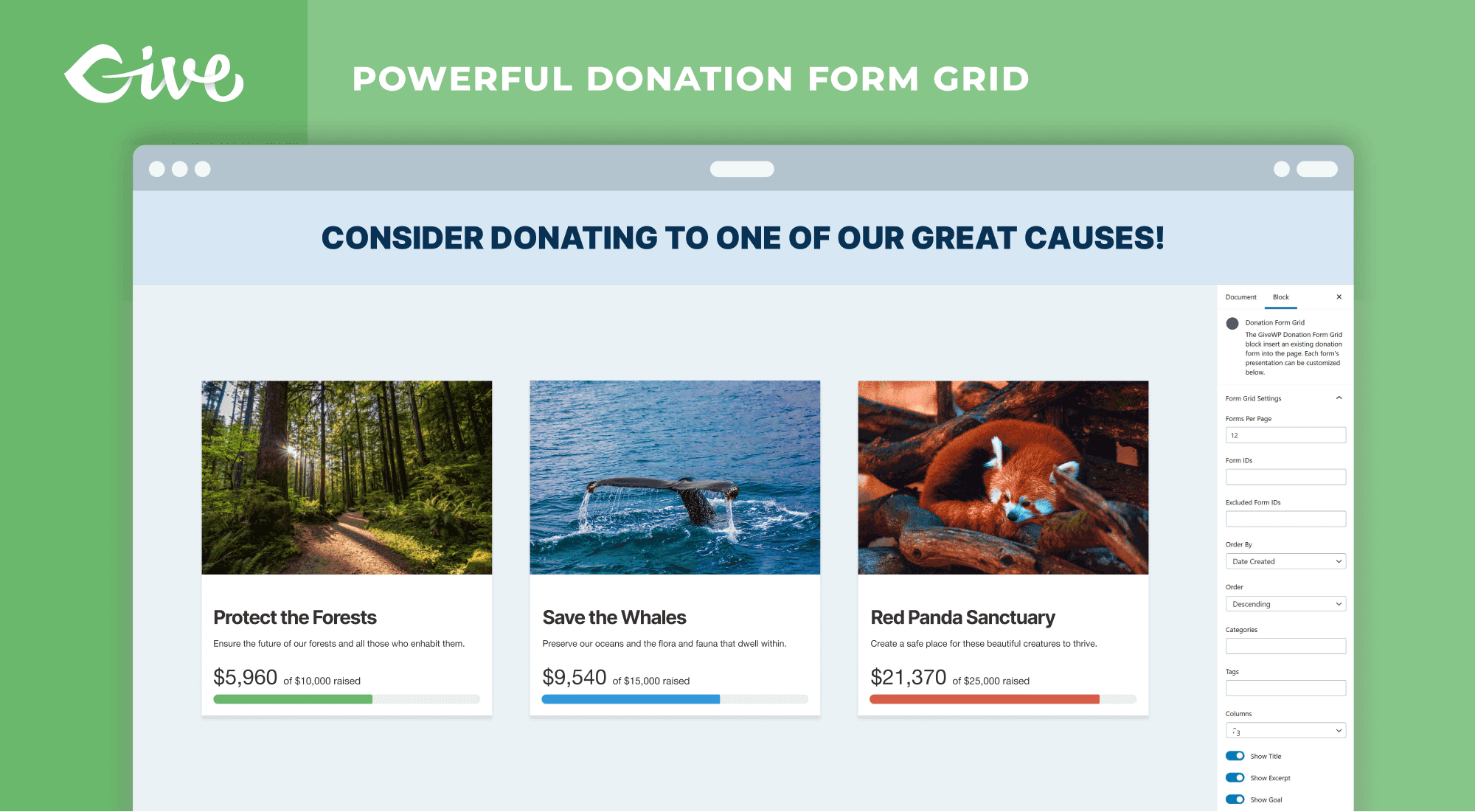
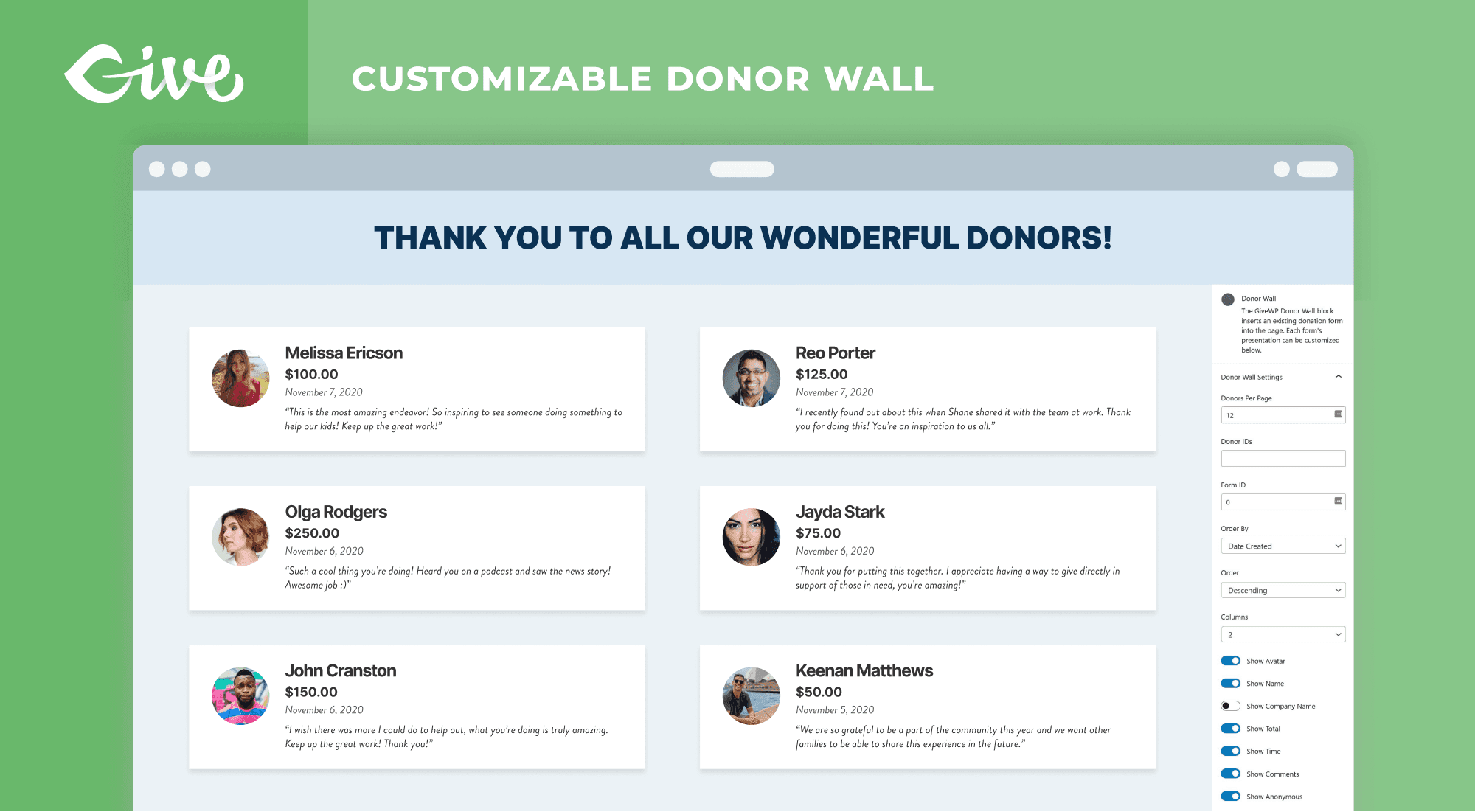
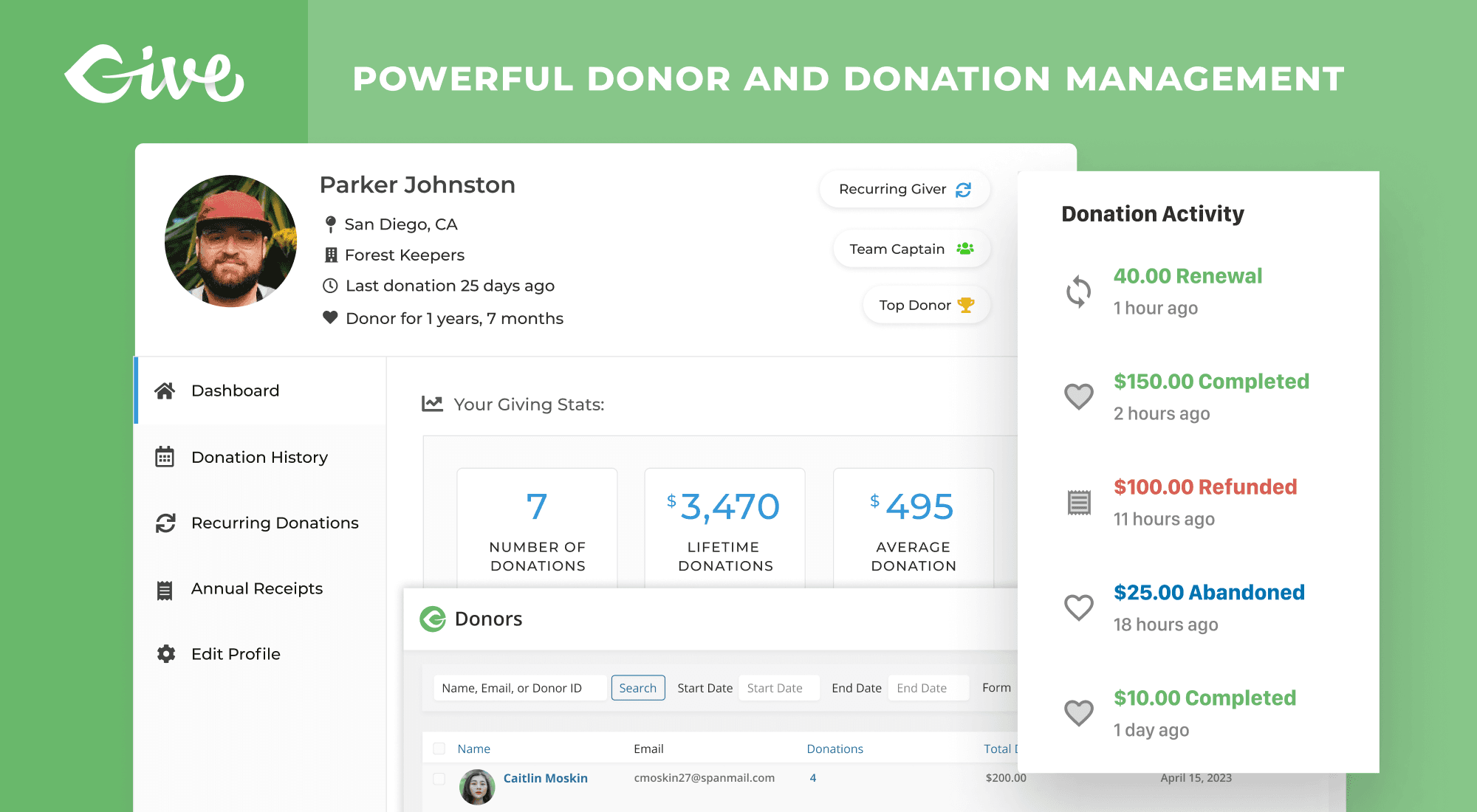
- A dedicated donation plugin adds donor-management features a general form builder doesn't have out of the box — donor profiles that aggregate giving history across multiple donations, annual giving statements, peer-to-peer fundraising pages where supporters create their own mini-campaigns, donation form grids that display multiple active campaigns at once.
- A general form plugin with real payment verification is usually enough if you just need one or a few donation forms without the donor-CRM layer — you get the same tamper-proof amount handling and Stripe/PayPal support, without a plugin whose entire feature set is built around fundraising-specific workflows you may not need.
The deciding factor isn't which one processes a donation "better" — a correctly built donation field is a correctly built donation field regardless of which plugin ships it. It's whether you need the donor-relationship features layered on top, which a general form plugin isn't trying to be.
What a donation receipt actually needs
Beyond the payment itself, most donors expect (and US nonprofits above certain thresholds are legally required to provide) a receipt confirming the gift. At minimum this means an automated email notification firing on successful donation, including the amount, date, and organization details — configured the same way any form's confirmation email is, just triggered specifically off the payment field succeeding rather than the form submitting in general (a distinction that matters, since a failed payment shouldn't send a receipt for money that was never actually charged).
Common mistakes when building a donation form
- Trusting the amount from the client. The single most important thing to get right — covered above, worth repeating because it's the specific failure mode that turns a donation form into a security hole rather than just a UX gap.
- No minimum on the custom amount field. Without one, a donor (or a bot) can submit $0.01 and generate a real entry, notification email, and receipt for an effectively zero-value transaction.
- Forcing recurring instead of offering it. A donation form that only accepts monthly commitments, with no one-time option, meaningfully reduces conversion — most first-time donors give one-time before they'll commit to recurring; the ask should be sequenced, not forced.
- No receipt automation. Manually emailing every donor a thank-you and tax receipt doesn't scale past a handful of donations a month, and delays (or silently drops) something donors specifically expect promptly.
- Not testing the minimum floor server-side. Confirming the minimum "works" by checking that a low amount shows a browser warning isn't the same as confirming the server actually rejects or floors it — test by attempting to bypass the client-side check, not just by using the form normally.
The bottom line
A donation form is a payment form with one added requirement: the amount comes from the visitor, so the plugin has to verify and floor it server-side rather than trusting whatever the browser reports. Get that right, add a monthly-recurring option since it measurably increases lifetime donor value, and automate the receipt — the rest (suggested amounts, donor info fields, a thank-you page) is standard form-building. See the payments documentation for the full detail on how ChargeForms verifies every payment server-side, or get started free to build one without a platform fee on top of what you raise.
Frequently asked questions
Do I need a dedicated donation plugin like GiveWP, or can any form plugin do this?
A dedicated donation plugin adds donor-management features built specifically for nonprofits — donor profiles, annual giving reports, peer-to-peer fundraising campaigns. But the core donation form itself — a visitor picks or types an amount, optionally makes it recurring, pays by card — is just a payment form with a variable-amount field, which any general-purpose WordPress form plugin with a real payment integration can build. If you don't need the nonprofit-specific donor CRM layer, a general form plugin is usually less to set up and maintain.
How do I let donors choose their own amount instead of fixed tiers?
Use a variable-amount payment field (often called "Custom Amount" or similar, depending on the plugin) rather than a fixed-price one. It should let you set a minimum so a donor can't submit $0 or an accidental $0.01, while leaving the actual amount up to them. Preset suggested amounts (buttons for $25/$50/$100 plus a custom option) are usually built as a selection field feeding into the payment field's amount, or as native quick-select options on the field itself if the plugin supports it.
Can I offer both a one-time and a monthly recurring donation option on the same form?
Yes — this is the standard pattern, usually built as a toggle or radio choice ("One-time" / "Monthly") next to the amount field. Selecting monthly switches the payment field from a single charge to a recurring Stripe subscription at that amount, billed every month until the donor cancels. Whether recurring donations are available depends on your plugin's payment field — on ChargeForms specifically, both one-time Stripe/PayPal donations and monthly recurring donations (via Stripe) are included on the free plan, with no platform fee on either.
Does the donation form need to be PCI compliant?
You don't handle card numbers directly if you're using Stripe or PayPal's own hosted card element — the card details go straight from the donor's browser to the payment processor, never touching your WordPress server, which keeps you out of the strictest PCI scope (SAQ A, roughly). This is true of Stripe Elements and PayPal's own checkout components specifically; a form that tried to collect and submit raw card numbers to your own server would be a materially different, much heavier compliance situation.
Can a donor fake or lower the donation amount by editing the page?
Not if the form is built correctly. The charge amount has to be recalculated server-side from the payment field's actual configuration at submission time, not trusted from whatever value the browser sends — a Custom Amount field with a $10 minimum should still enforce that $10 floor even if someone tampers with the request client-side. If your plugin only checks the amount on the client (JavaScript validation only, no server-side recheck), that's a real vulnerability worth confirming isn't the case before taking real donations through it.
Related posts



Contact Form 7 Is in Maintenance Mode: What That Actually Means
Contact Form 7's creator confirmed at WordCamp Asia 2026 that version 6.2 is the last feature release — the plugin now gets security patches only. Here's what changes, what doesn't, and what to actually do about it.