GravityView Alternatives (2026): Best Plugins
GravityView solves a specific problem: once someone submits a Gravity Forms entry, where does that data actually go? By default, it sits in wp-admin where only site editors see it. GravityView takes those entries and publishes them back out — as a directory, a table, a map, a calendar — so visitors can browse data the form collected, not just the person who built the form. It's a genuinely useful, narrow category, and it's worth being precise about what it does before looking at alternatives, since several of the "alternatives" people search for aren't actually substitutes for each other.
The short answer: GravityView only works with Gravity Forms, has no free tier, and starts at $119/year. If you're not using Gravity Forms, you need a different product entirely — GravityKit (GravityView's maker) sells matching tools for other form plugins (CF7 Views, Ninja Forms Views), or a general-purpose table plugin like TablePress works regardless of where your data comes from.
What GravityView actually does
GravityView reads entries already submitted through a Gravity Forms form and renders them as a front-end layout — a searchable table, a card-based directory, a Google Map plotting location-based submissions, a calendar of date-based entries, or a profile grid. It supports front-end editing and entry approval workflows, so a site can let logged-in users manage their own submitted listings. None of this is something Gravity Forms does on its own — Gravity Forms collects and stores entries; GravityView is what turns that stored data into something a site visitor browses.
GravityView pricing (per GravityKit's own comparison pages, plus a required Gravity Forms license):
| Tier | Price/year | Notes |
|---|---|---|
| GravityView Core | $119 | 1 site |
| GravityView + add-ons | $199 | Mid tier |
| GravityView All Access | $396 | Full add-on bundle |
GravityView requires an active Gravity Forms license on top of its own price — Gravity Forms Basic starts at $59/year, so the realistic combined entry cost is closer to $178/year before any add-ons.
The alternatives, by what form plugin you're actually using
This is the detail most comparison searches miss: GravityView, CF7 Views, and Ninja Forms Views are three different GravityKit products, each tied to one specific form plugin's data. Picking the right "alternative" depends entirely on which form plugin you're already using.
If you're on Contact Form 7: CF7 Views
Also made by GravityKit, built specifically to read Contact Form 7 (via its Flamingo entry-storage add-on) and display those entries the same way GravityView does for Gravity Forms. Has a free version, with paid tiers starting around $59/year — a meaningfully lower entry point than GravityView itself. Trade-off: no map or calendar layout, and no REST API access to the displayed data.
If you're on Ninja Forms: Ninja Forms Views
GravityKit's answer for Ninja Forms entries. Has a free lite tier for basic table/list display of a single form's submissions, with paid plans from $59/year for more advanced layouts. It's narrower than GravityView by design — built around displaying one form's entries as a table or list, without GravityView's maps, calendars, or multi-form merging.
If you're on Formidable Forms: Formidable's own Views
Formidable Forms is the one plugin in this category that builds front-end entry display directly into its own product rather than requiring a separate GravityKit purchase — its "Views" feature (available from the Business tier, $399/year) handles directories, calculators, and front-end content submission natively. If you're choosing a form plugin from scratch specifically because you need this capability, Formidable folding it into one product rather than two separate purchases is worth factoring in.
If your data doesn't need to stay tied to one specific form plugin: TablePress or Ninja Tables
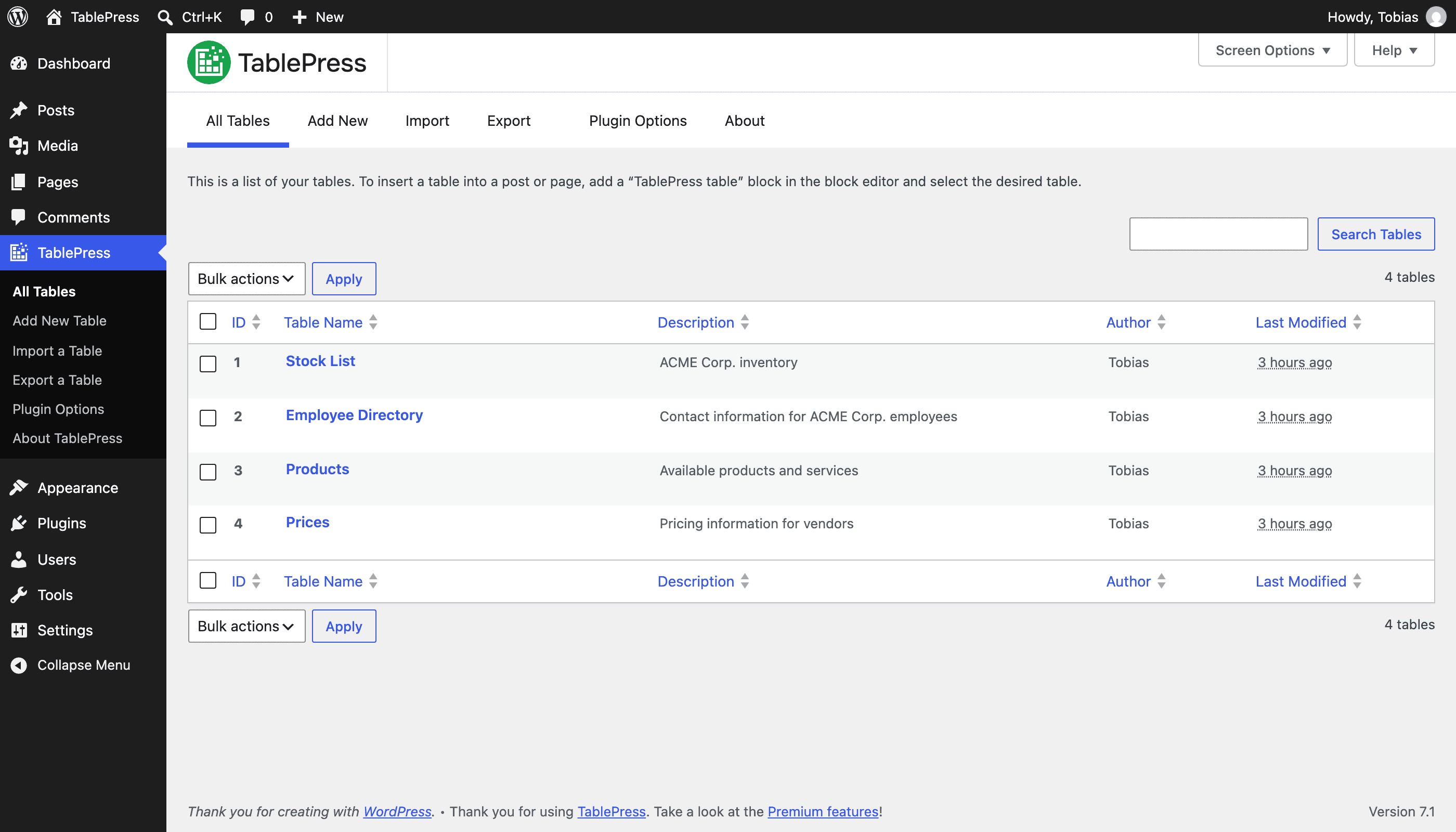
TablePress and Ninja Tables are both free, general-purpose table-building plugins. Neither reads a specific form plugin's entries directly the way GravityView does — instead, you export entries to CSV and import that into a table, or connect a spreadsheet/database source. That's an extra manual step GravityView-style tools skip, but it also means the table isn't locked to one form plugin's data format, and the core plugin costs nothing.
Do you actually need a display plugin at all?
This is worth asking honestly before buying any of the above. GravityView-style tools solve publishing entries back to site visitors — a member directory, a job board, a public listing. If what you actually need is just reviewing submissions yourself — seeing who filled out a form, searching past entries, exporting them to a spreadsheet — that's a different, simpler requirement that most form plugins already cover in their own entry management, without a separate display plugin.
ChargeForms' free plan, for instance, includes searchable entry storage and CSV export natively — no GravityView-equivalent purchase needed if the goal is managing submissions internally rather than publishing them as a public-facing directory. If the actual requirement is a front-end directory, map, or calendar that visitors browse, that's specifically what GravityView and its siblings above are built for, and no form plugin's built-in entry management replicates that on its own.
The bottom line
"GravityView alternative" usually means one of two different questions: either "I want this same display capability for a different form plugin" — in which case the answer is GravityKit's own CF7 Views or Ninja Forms Views, or Formidable's built-in Views if you're choosing a form plugin from scratch — or "I just need to review and export what I've already collected," which most form plugins' native entry management already handles for free. Confirming which question you're actually asking saves a $119-399/year purchase for the segment of searches that didn't need a display plugin in the first place.
Frequently asked questions
Is there a free alternative to GravityView?
Yes. Ninja Forms Views has a free lite tier for displaying Ninja Forms entries. TablePress and Ninja Tables are both free, general-purpose table plugins that work with data from any source, including exported form entries, not just one specific form plugin's data.
What's the best GravityView alternative if I'm not using Gravity Forms?
It depends on which form plugin you're using. CF7 Views (from GravityView's own maker, GravityKit) is built for Contact Form 7 entries specifically. Ninja Forms Views is built for Ninja Forms. If you're not tied to a specific form plugin's entry data, TablePress or Ninja Tables work as general-purpose front-end tables regardless of where the data originated.
Does GravityView work with any form plugin other than Gravity Forms?
No. GravityView is built specifically for Gravity Forms entries and requires an active Gravity Forms license to function at all. GravityKit (its maker) sells separate, similarly-named products — CF7 Views and Ninja Forms Views — for those specific plugins, but GravityView itself doesn't work across plugins.
Do I even need a GravityView-style plugin, or does my form plugin already do this?
If your actual need is just reviewing and exporting submissions you've already collected — not publishing them as a public front-end directory or map — many form plugins' own built-in entry management already covers that without a separate display plugin. ChargeForms' free plan, for example, includes searchable entry storage and CSV export natively. A dedicated display plugin like GravityView is for a different job: showing that data back to site visitors, not just to you in wp-admin.
What is GravityView used for?
GravityView takes data submitted through Gravity Forms and displays it back on the front end of a WordPress site — as a searchable directory, a table, a calendar, a map, or a user profile grid. Common uses include member directories, job boards, event listings, and real estate listings built from form submissions, rather than the submissions just sitting in an admin inbox.
Related posts